
Setup & installation
Connect a new printer to your computer and get the basic settings in place. We can help with initial configuration, test prints and choosing the right connection method.
From the first setup to a stubborn print queue, get a clearer view of what to check next.
Discuss your printer ↗Independent assistance. No manufacturer affiliation.
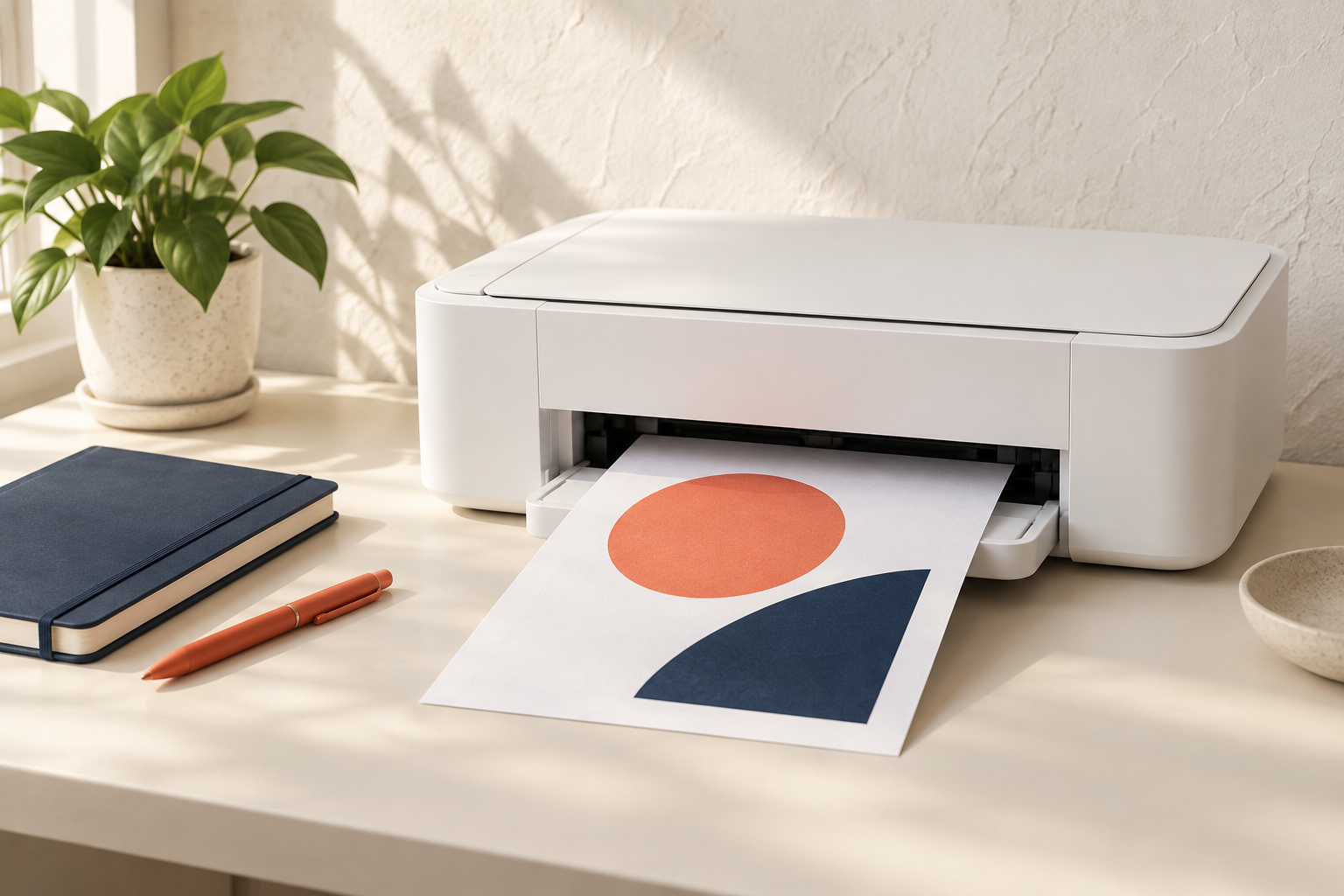
PrintPulse provides independent help with home and office printer setup, wireless connections, driver configuration, scanning and everyday printing problems. Tell us your printer model, the device you print from and what happens when you try to print so we can identify a relevant starting point.
Assistance can include initial configuration, network discovery, offline and print queue troubleshooting, print quality checks and finding the appropriate manufacturer software. The available options depend on your model, operating system and connection type. Any proposed work and applicable fees are discussed before assistance begins.
We are not affiliated with printer manufacturers. Warranty requests, physical repairs and replacement parts may need the manufacturer or an authorized repair provider. Do not send passwords, payment details or sensitive documents with your enquiry.
Tell us what is happening with your printer. We help narrow down connection, software and printing problems before discussing the work needed.
Connect a new printer to your computer and get the basic settings in place. We can help with initial configuration, test prints and choosing the right connection method.
Work through Wi-Fi setup, network discovery and connection changes. Get guidance for connecting a printer to a laptop, desktop or compatible mobile device.
Identify why a printer appears offline, pauses unexpectedly or leaves documents waiting. We review connection status, the selected printer and queued jobs.
Discuss blank pages, faded output, paper-feed problems and ink or toner messages. Maintenance steps depend on your printer model and its manufacturer guidance.
Find the appropriate manufacturer software for your operating system. Get assistance with driver installation, scanner settings and issues following an update.
Explain the symptoms and the steps you have already tried. We help define a suitable scope of assistance and explain when a hardware issue may need a repair provider.
Reliable printing starts with a suitable setup and a clear understanding of your devices. Have your printer model, operating system and any error message ready. Follow the manufacturer instructions for your specific model.
Discuss your printer setup ↗Follow the supplied setup guide, remove transport packaging and load compatible paper and ink or toner.
Use the supported Wi-Fi, Ethernet or USB method. For network printing, check that your devices can access the same printer network.
Use the official software from your printer manufacturer for your Windows or Mac version, then add the device in the printer settings on your computer.
Check a non-sensitive test page, confirm the correct printer is selected and test scanning if your model supports it. Share any error message when requesting help.
Select a topic to start an enquiry with the issue already filled in.
Share your printer model, computer operating system, connection type, and the exact error message. Please do not send passwords or sensitive documents.
We can help review the connection, printer selection, queued jobs and relevant device settings. The cause may be a network change, software setting or hardware issue, so include the exact symptoms in your enquiry.
We can discuss setup and troubleshooting for both. Compatibility depends on the printer model, operating system version and the drivers available from the manufacturer.
Share the model and any ink or toner message. We can discuss consumable checks and print-quality troubleshooting. Replacement parts, cartridges or physical repairs may require a separate supplier.
No. PrintPulse provides independent assistance and is not affiliated with printer manufacturers. Manufacturer warranty requests should go directly to the relevant manufacturer or authorized provider.
Submitting an enquiry does not start paid work. We discuss the next steps, availability, scope and any applicable charges before assistance begins.
Bring the question. We will help shape the next step.